












📋 Key terms and definitions
The terms below are used throughout this document to keep the meaning clear and avoid ambiguity. They explain the main words you may see when reading about online casino cookies, data handling, and site functionality.
- Cookies: Small text files stored in your browser or device to remember actions or settings.
- Website: The BetX site, including its main domain and connected service areas.
- Device: Any computer, phone, tablet, or similar tool used to access the Website.
- Personal data: Information that can relate to you directly or indirectly.
- Services: BetX services, features, account functions, and connected tools.
- Third-party providers: External partners supporting analytics, security, content, or marketing.
- You / User: Any person visiting, browsing, or using the Website or BetX services.
| Term | Short definition | Why it matters to you |
|---|---|---|
| Cookies | Small files saved in a browser | They affect login, preferences, and tracking |
| Website | BetX web platform and related services | Defines where this policy applies |
| Device | Phone, tablet, laptop, or desktop | Cookies are stored per device/browser |
| Personal data | Information linked to a user | Some cookie use may connect with privacy rights |
| Services | Account tools and platform functions | Explains what features cookies support |
| Third-party providers | Trusted outside service partners | Some cookies may come from them |
| You / User | Visitor or registered account holder | Explains whose choices and rights apply |
Overview of how BetX uses cookies
BetX uses cookies and similar technologies to keep the Website working properly, improve usability, understand how visitors use the service, and support relevant communication for adult users where this is permitted. Some cookies are set directly by BetX as first-party cookies, while others may be set by trusted third parties for analytics, fraud checks, or marketing support.
Cookies may be used for:
- basic website operation and account login
- security, fraud prevention, and session protection
- saving language, region, and other user preferences
- measuring traffic and service performance
- improving navigation and content relevance
- personalising marketing where allowed
What cookies are and types we use
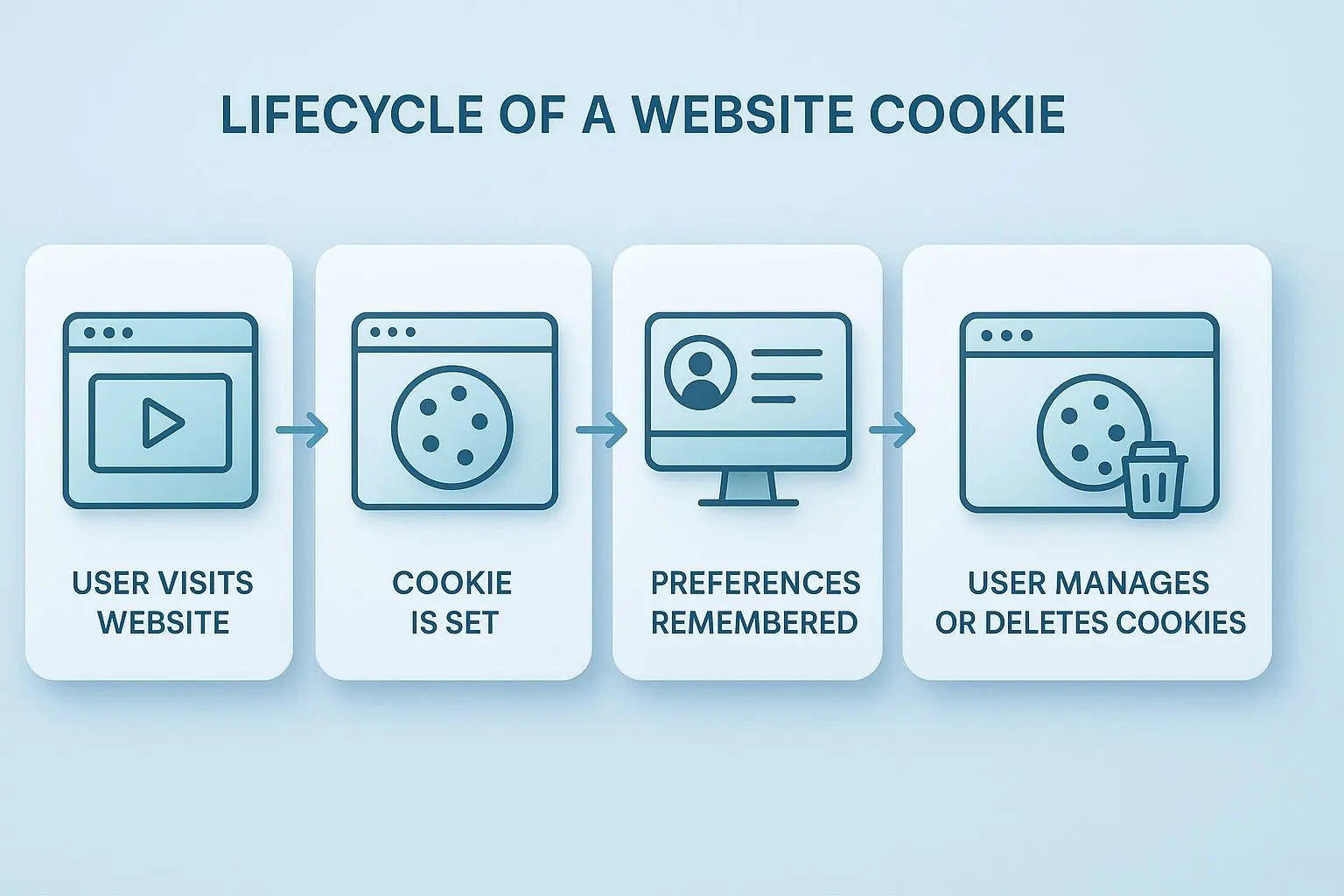
A cookie is a small text file stored on your browser or device when you visit a website. It helps the site remember actions or preferences. Cookies do not run programs and do not spread viruses.
Some cookies are session cookies, which usually disappear when you close your browser. Others are persistent cookies, which stay for a longer period so your preferences can be remembered. BetX may also use first-party cookies set by the Website itself and third-party cookies set by trusted service providers.
The main cookie types used by BetX include essential and non-essential cookies. Essential cookies support basic access, security, and cookie settings. Performance and analytics cookies help measure traffic and understand how pages and games are used. Functionality cookies remember language, region, and account preferences. Marketing and advertising cookies may support relevant offers, including personalised content such as BetX bonuses and promotions. Social and embedded content cookies may appear when sharing tools or external media features are available.
| Cookie type | Main purpose | Example actions | Is consent required? |
|---|---|---|---|
| Essential | Core site operation | Login, security, cookie preference saving | Usually no |
| Performance and analytics | Measure usage and improve service | Count visits, analyse page flows | Usually yes |
| Functionality | Remember user choices | Save language or region | Usually yes |
| Marketing and advertising | Show relevant promotions | Tailored offers or campaign measurement | Usually yes |
| Social and embedded content | Support external media or sharing | Load embedded content or share tools | Usually yes |
Essential vs non-essential cookies
Essential and non-essential cookies do not serve the same purpose. Essential cookies, also called strictly necessary cookies, are needed for core website functions such as secure login, session continuity, fraud protection, and saving your cookie preferences. In many cases, law does not require a separate opt-in for these cookies because the service cannot function correctly without them.
Non-essential cookies include analytics, functionality, marketing, and social cookies that are not required for the basic operation of the site. You can usually disable these categories. If you block essential cookies, login may fail, account pages may not load correctly, and saved settings may be lost. If you disable non-essential cookies, the Website may still work, but personalisation, recommendations, and tracking and analytics cookies will be reduced.
| Category | Examples of use on BetX | Impact if disabled | User control |
|---|---|---|---|
| Essential | Login, security checks, preference storage | Core functions may stop working | Limited control |
| Non-essential | Analytics, preferences, marketing, social tools | Less personalisation and reduced measurement | Can usually be managed |
How to manage your cookie settings
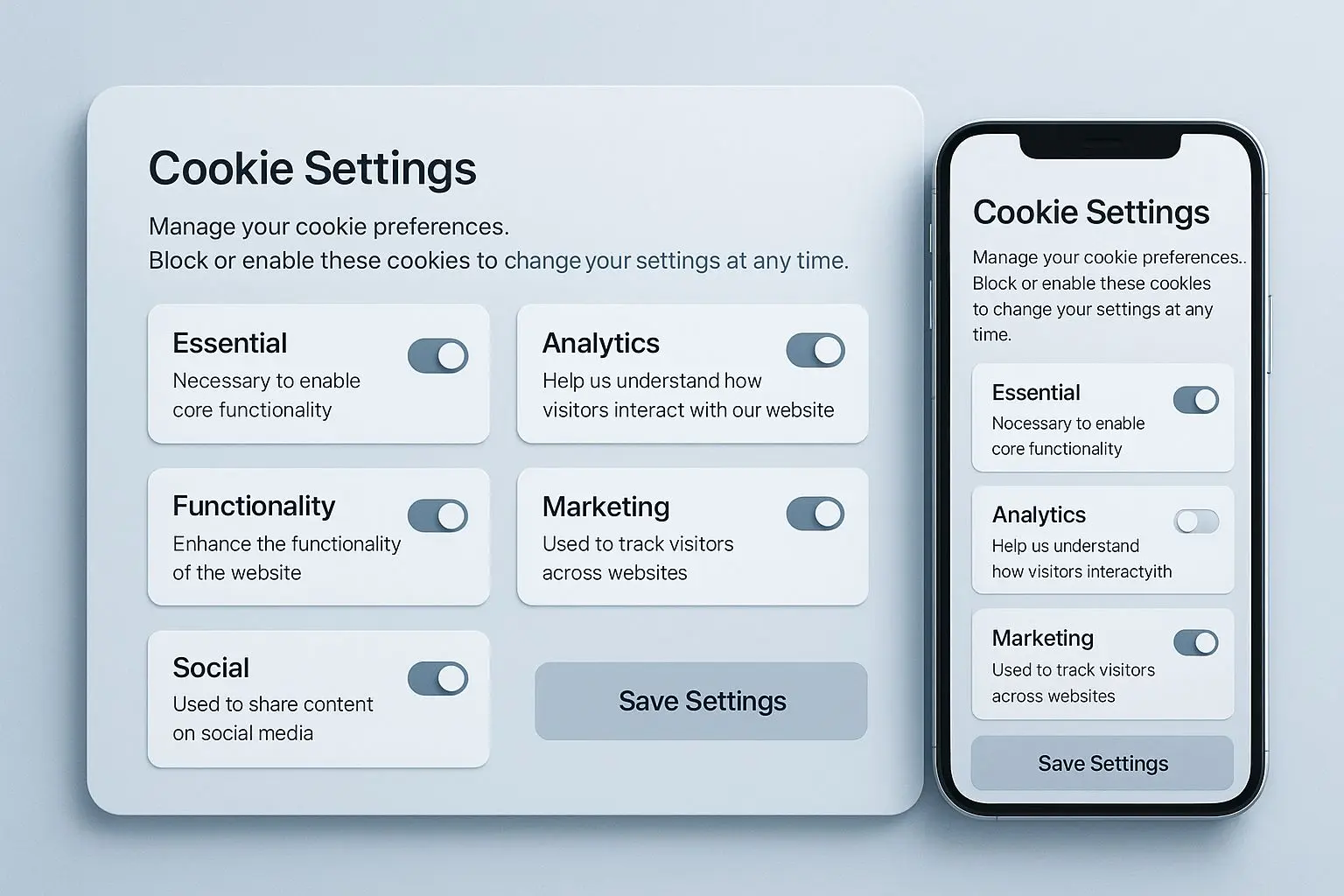
You can manage cookie settings on BetX through the cookie banner or preference panel, where available. This usually lets you accept all cookies, reject non-essential cookies, or manage cookie settings by category. You can also control cookies through your browser or mobile device settings by blocking, allowing, or deleting stored files.
Please note that turning off a category does not always remove cookies already stored on your device. Existing files may need to be deleted manually in your browser settings. Also, some features such as quick sign-in, remembered games, and personalised bonus suggestions may work less effectively after changes.
General steps:
- Open your browser or device settings.
- Find the Privacy, Cookies, or Privacy and Security section.
- Choose your preferred cookie blocking or permission level.
- Clear existing cookies if you want old files removed.
- Return to BetX and review the banner or preference panel again.
| Platform type | Where to find cookie settings (general) | Note for BetX users |
|---|---|---|
| Desktop browser | Settings > Privacy and security > Cookies | Best for detailed control by site |
| Mobile browser | Settings > Site settings or Privacy | Menus vary by browser |
| Android | Browser settings or device privacy options | Some controls depend on the app used |
| iOS | Browser settings or app privacy controls | Restrictions may differ by browser engine |
| In-app browser | Limited privacy menu inside the app | Controls may be more restricted |
| Other devices | General browser/privacy settings | Some functions may not support full control |
Third-party, social and tracking cookies
Some cookies on BetX may be set by third-party partners that support analytics, marketing, fraud prevention, or payment-related processes. BetX does not fully control how those cookies operate once they are placed by an external provider, although they are generally used to measure campaigns, improve services, reduce abuse, and support relevant offers.
Social and embedded content features can also create cookies. If you click a share or like button, or view embedded content such as videos or social feeds, the relevant platform may place its own cookies. Their behaviour depends on that platform’s own policies and your account settings there. You can review privacy settings connected with Facebook, Instagram, X, and TikTok, including these official channels: Facebook, Instagram, X, TikTok

Changes to this Cookie Policy and contact
BetX may update this Cookie Policy from time to time. Updates may happen when website technology changes, when legal or compliance requirements change, or when new features are added to the service. The latest version will be published on this page. By continuing to use the Website after updates are posted, you accept the revised version in effect at that time.
If you have questions about cookies, privacy, or data protection, you can use the contact page or contact BetX support team for assistance. Support can help with general questions about consent options, browser controls, and account-related privacy requests.